SeedVR2 Additional Upscale Models
ComfyUI has supported SeedVR2 natively since v0.28.0 (July 2026). These files were made for the ComfyUI-SeedVR2_VideoUpscaler custom node, which is no longer maintained. They stay online for existing workflows.
For the native nodes, follow the official guide, SeedVR2: Image and video upscaling in ComfyUI. It uses the models from Comfy-Org/SeedVR2 and the three templates with "Int8" in their names.
Thank you to everyone who used these files and shared their results.
More from AInVFX. AInVFX is a collective of VFX and AI specialists. It brings artificial intelligence to visual effects and animation, the human way: ComfyUI courses, AI consulting and open-source tools.
- SeedVR2 for ComfyUI: native nodes or the custom node, which model to pick, VRAM and settings
- ComfyUI for VFX: a guide for artists and studios
- AI VFX Masterclass and AI VFX Bootcamp: live, hands-on ComfyUI courses for film and TV
- Open-source ComfyUI tools, such as Paint a plate, ainvfx-fluid and ainvfx-runpod
This repository contains additional upscale models for SeedVR2 video upscaling, complementing the main numz/SeedVR2_comfyUI repository.
📋 About SeedVR2
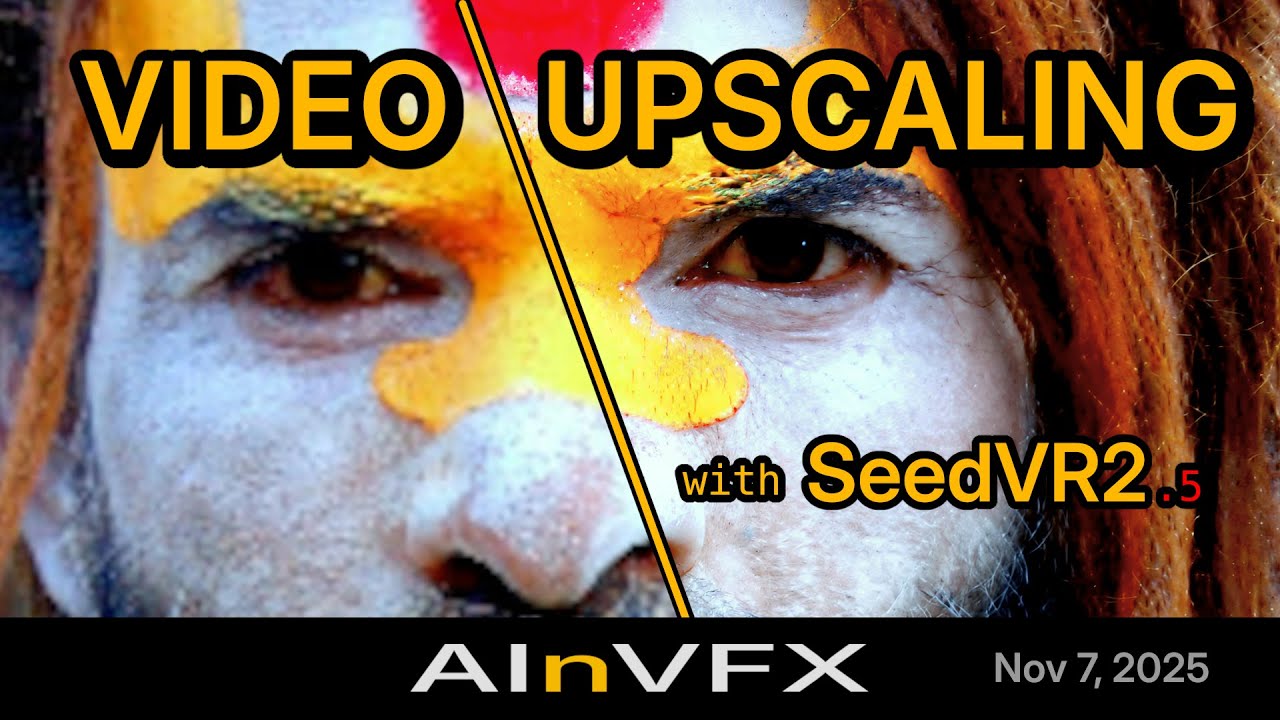
SeedVR2 is a high-quality video upscaling model that uses diffusion techniques to enhance video resolution while maintaining temporal consistency. This implementation is optimized for ComfyUI and supports both standalone and multi-GPU operation.

🎯 GGUF Models
The GGUF format models in this repository are sourced from cmeka/SeedVR2-GGUF, where additional GGUF versions and quantizations are available. We acknowledge and appreciate cmeka's work in converting these models to GGUF format.
📄 License
The code and model weights are released under the Apache 2.0 License.
🙏 Credits
- Original SeedVR2: ByteDance-Seed/SeedVR by ByteDance Seed
- ComfyUI original integration: numz/ComfyUI-SeedVR2_VideoUpscaler by numz
- Further integration: Additional code by Adrien Toupet from AInVFX
- Official HuggingFace Models: numz/SeedVR2_comfyUI
- GGUF conversions: cmeka/SeedVR2-GGUF by cmeka
- Tutorial: SeedVR2 Deep Dive by AInVFX
🛠️ Usage Guidelines
When using these additional models:
- Compare output quality against official models
- Monitor VRAM usage and performance
- Test various input resolutions and batch sizes