gguf quantized version of kontext
- run it straight with
gguf-connector - opt a
gguffile in the current directory to interact with by:
ggc k0
GGUF file(s) available. Select which one to use:
- flux-kontext-lite-q2_k.gguf
- flux-kontext-lite-q4_0.gguf
- flux-kontext-lite-q8_0.gguf
Enter your choice (1 to 3): _
note: try experimental lite model with 8-step operation; save up to 70% loading time
run it with gguf-node via comfyui
- drag kontext to >
./ComfyUI/models/diffusion_models - drag clip-l, t5xxl to >
./ComfyUI/models/text_encoders - drag pig to >
./ComfyUI/models/vae
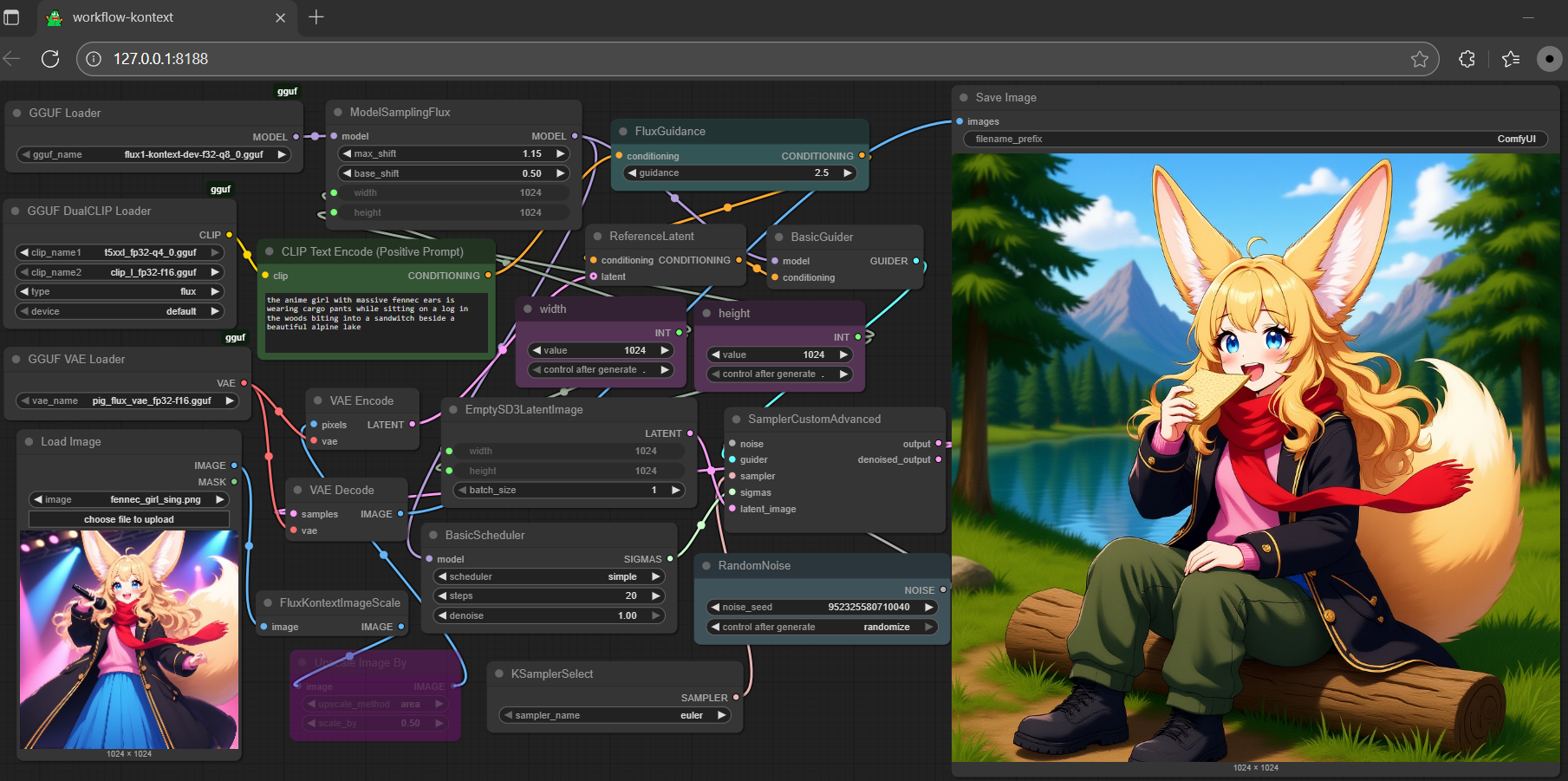
- don't need safetensors anymore; all gguf (model + encoder + vae)
- full set gguf works on gguf-node (see the last item from reference at the very end)
- get more t5xxl gguf encoder either here or here
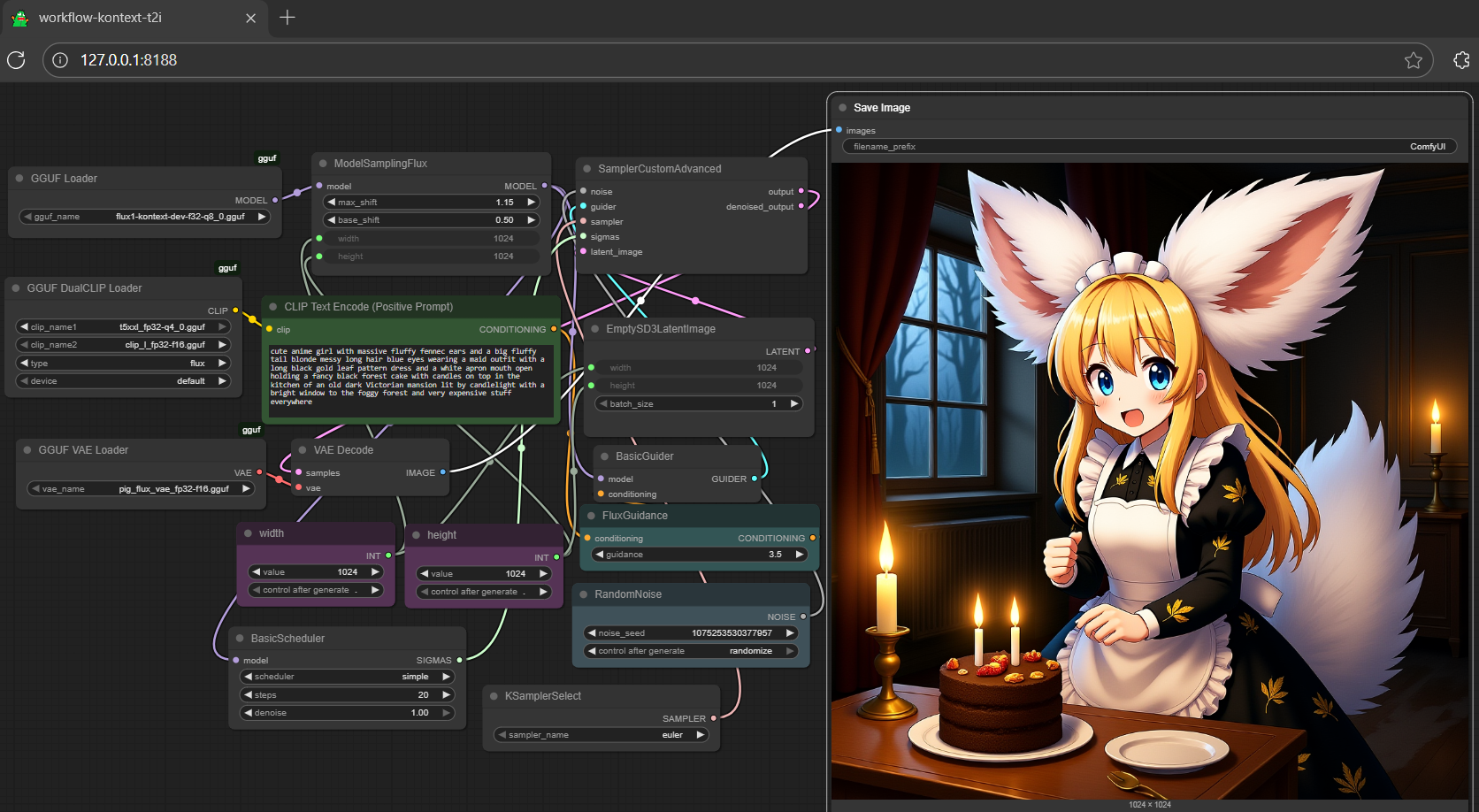
extra: scaled safetensors (alternative 1)
- get all-in-one checkpoint here (model, clips and vae embedded)
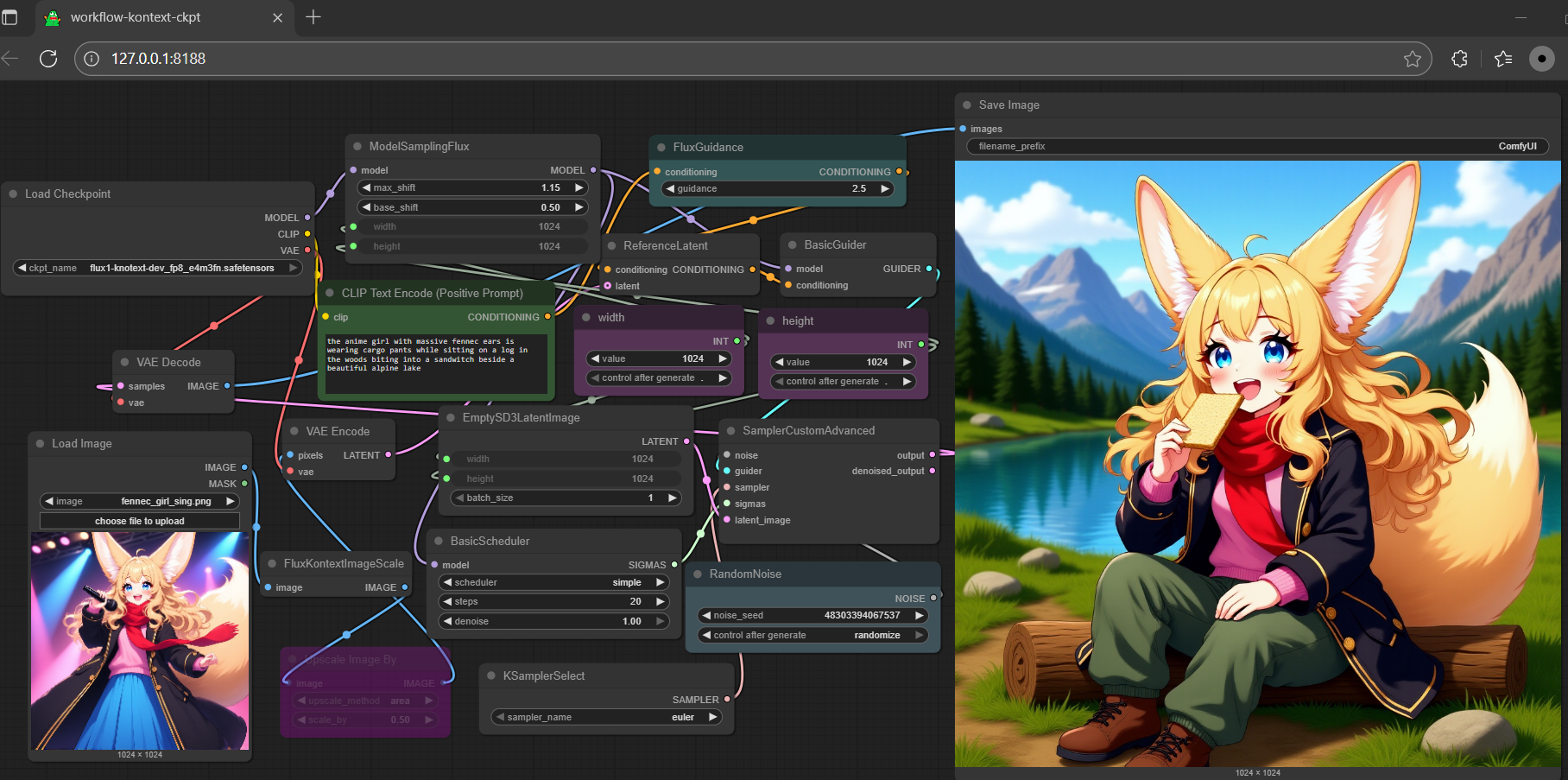
- another option: get multi matrix scaled fp8 from comfyui here or e4m3fn fp8 here with seperate scaled version l-clip, t5xxl and vae
run it with diffusers🧨 (alternative 2)
- might need the most updated diffusers (git version) for
FluxKontextPipelineto work; upgrade your diffusers with:
pip install git+https://github.com/huggingface/diffusers.git
- see example inference below:
import torch
from transformers import T5EncoderModel
from diffusers import FluxKontextPipeline
from diffusers.utils import load_image

text_encoder = T5EncoderModel.from_pretrained(
    "calcuis/kontext-gguf",
    gguf_file="t5xxl_fp16-q4_0.gguf",
    torch_dtype=torch.bfloat16,
    )

pipe = FluxKontextPipeline.from_pretrained(
    "calcuis/kontext-gguf",
    text_encoder_2=text_encoder,
    torch_dtype=torch.bfloat16
    ).to("cuda")

input_image = load_image("https://huggingface.co/datasets/huggingface/documentation-images/resolve/main/diffusers/cat.png")

image = pipe(
  image=input_image,
  prompt="Add a hat to the cat",
  guidance_scale=2.5
).images[0]
image.save("output.png")
- tip: if your machine doesn't has enough vram, would suggest running it with gguf-node via comfyui (plan a), otherwise you might expect to wait very long while falling to a slow mode; this is always a winner takes all game
run it with gguf-connector (other alternatives)
- simply execute the command below in console/terminal
ggc k2
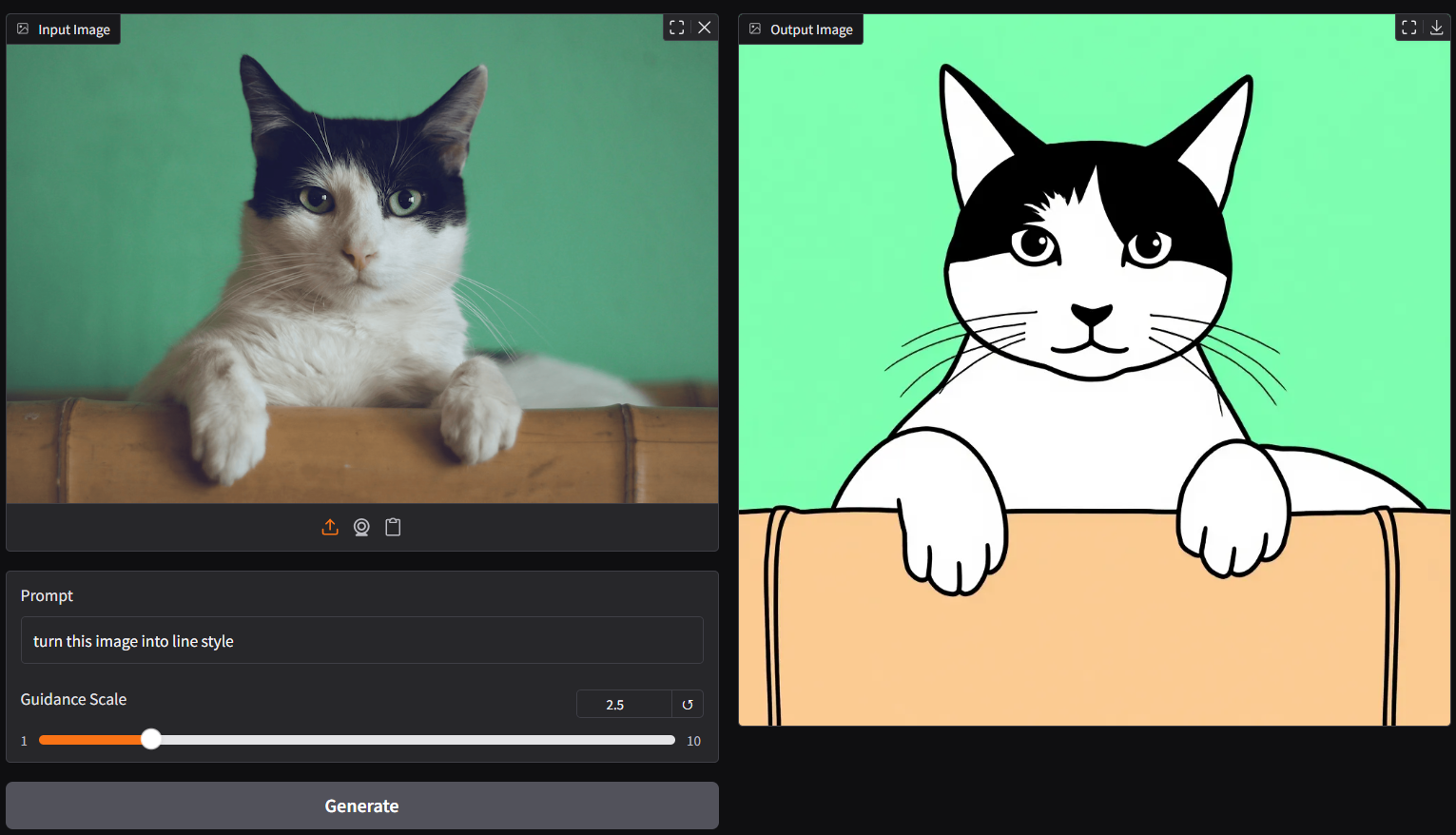
- note: during the first time launch, it will pull the required model file(s) from this repo to local cache automatically; then opt to run it entirely offline; i.e., from local URL: http://127.0.0.1:7860 with lazy webui
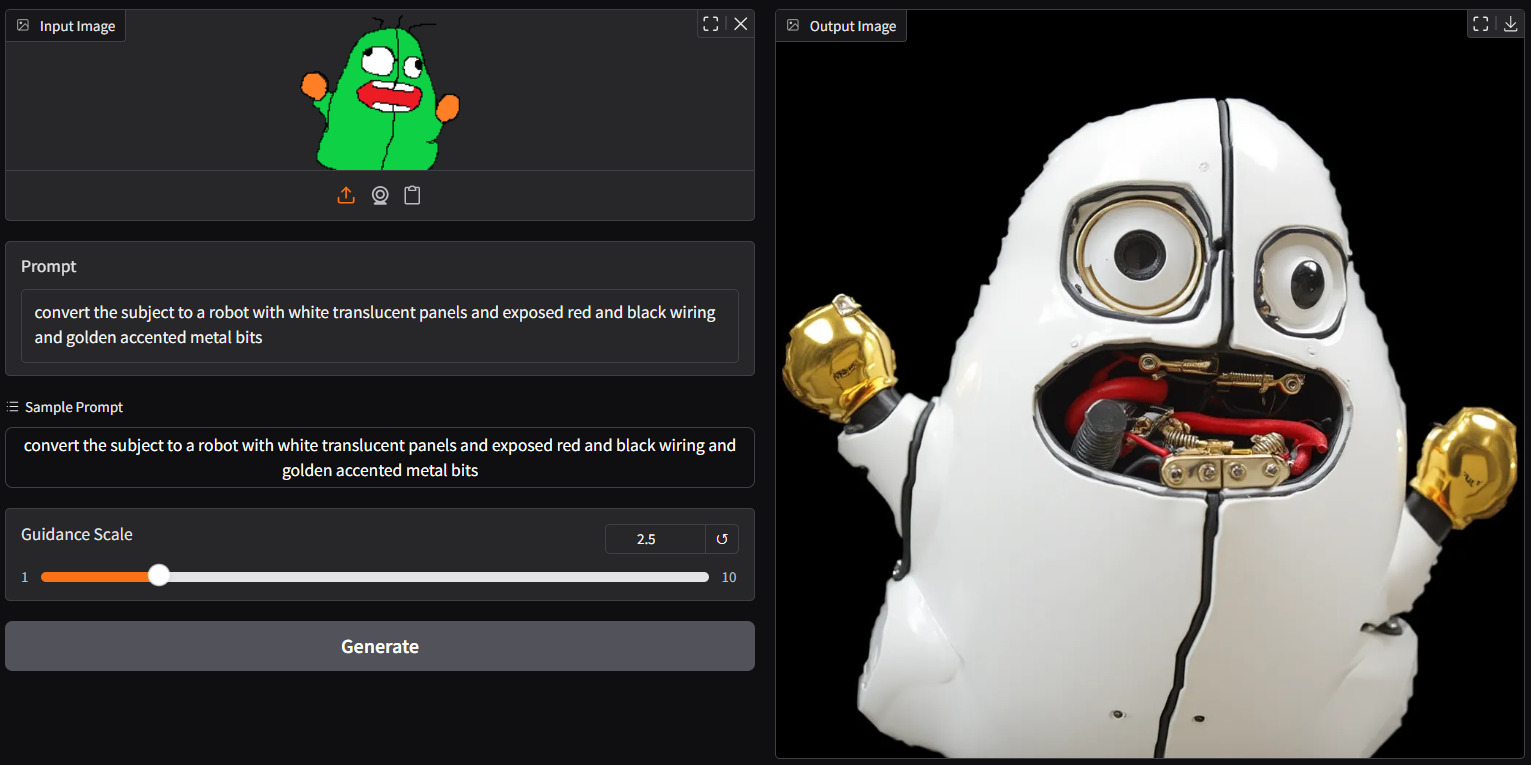
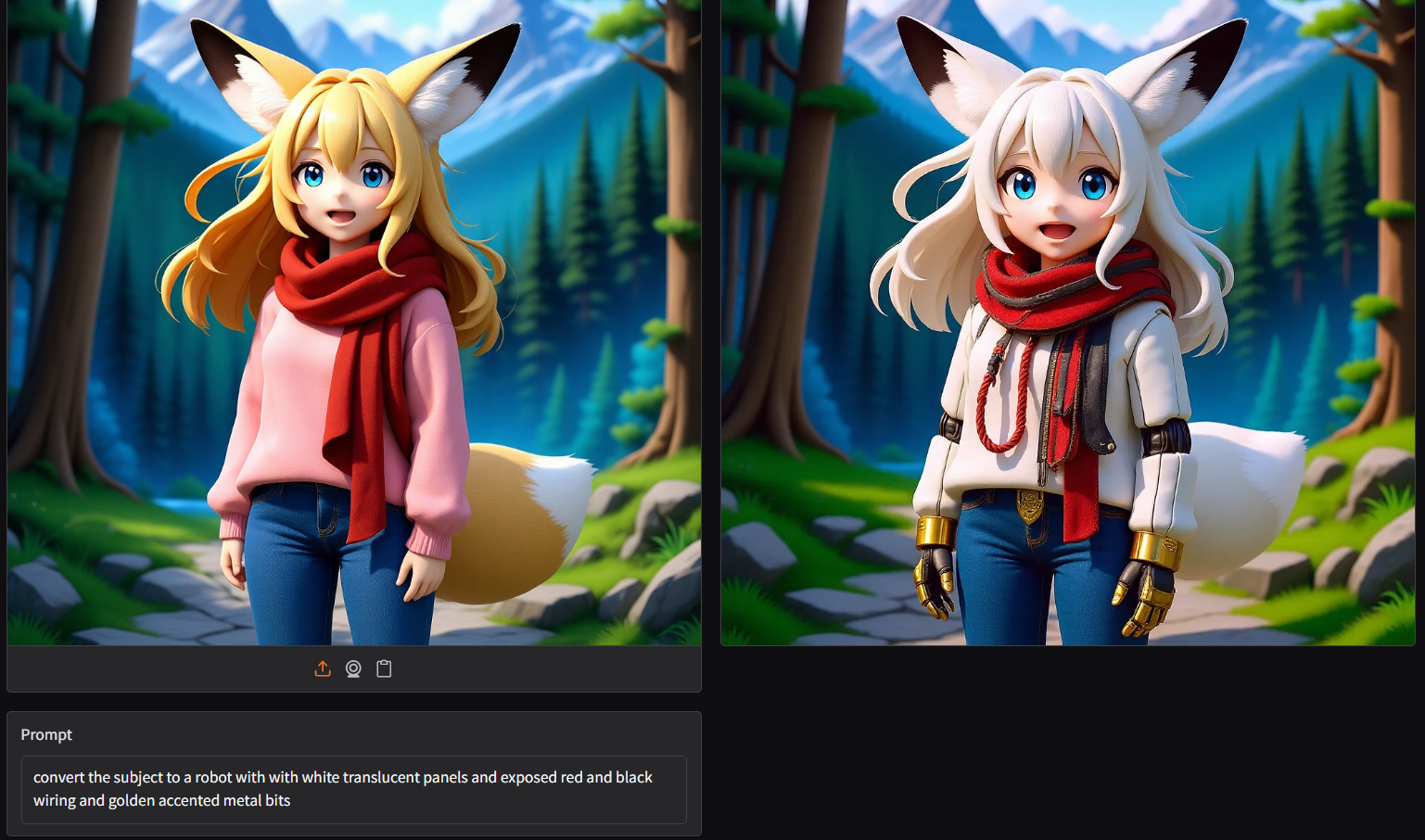
- with bot lora embedded version
ggc k1
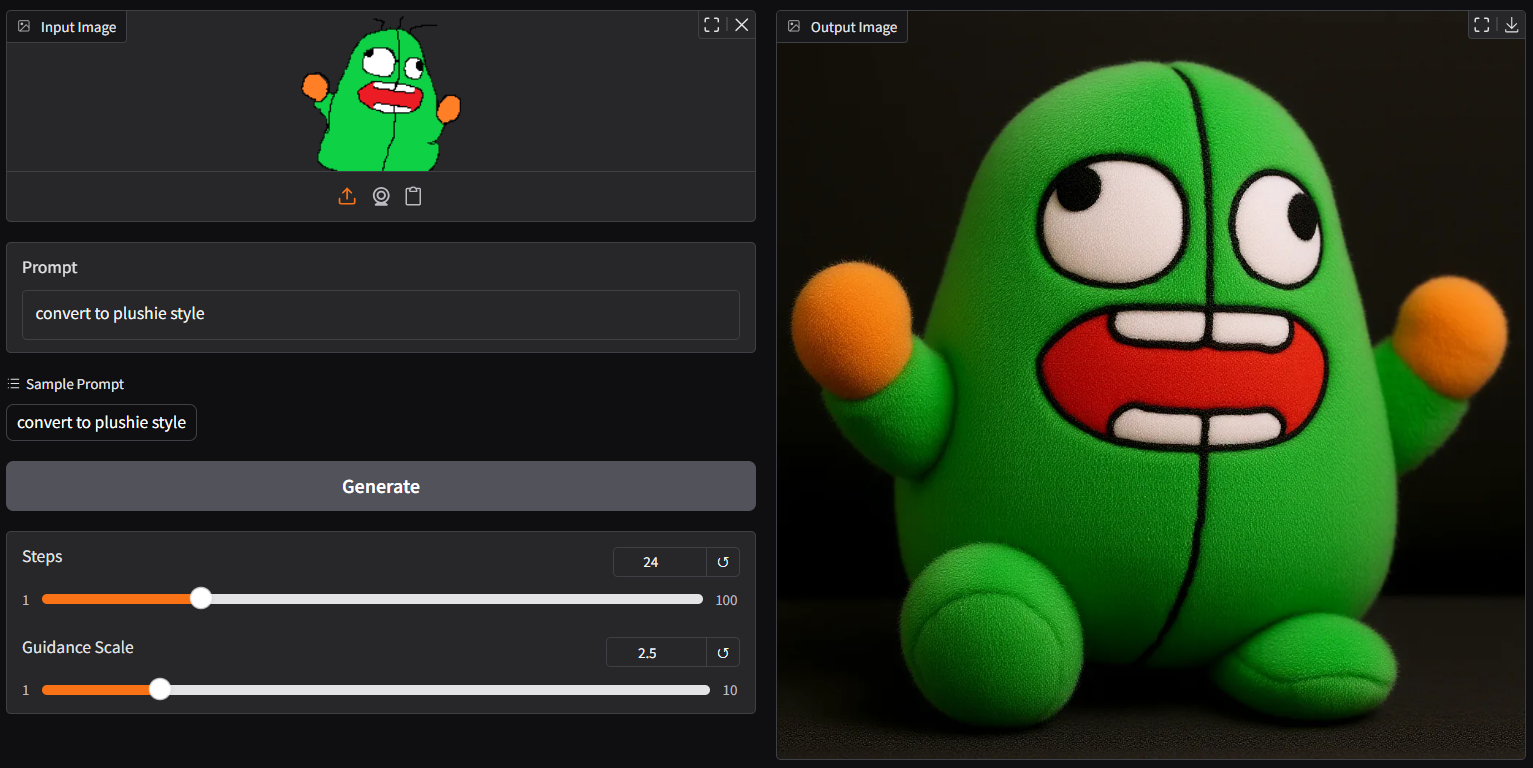
- new plushie style
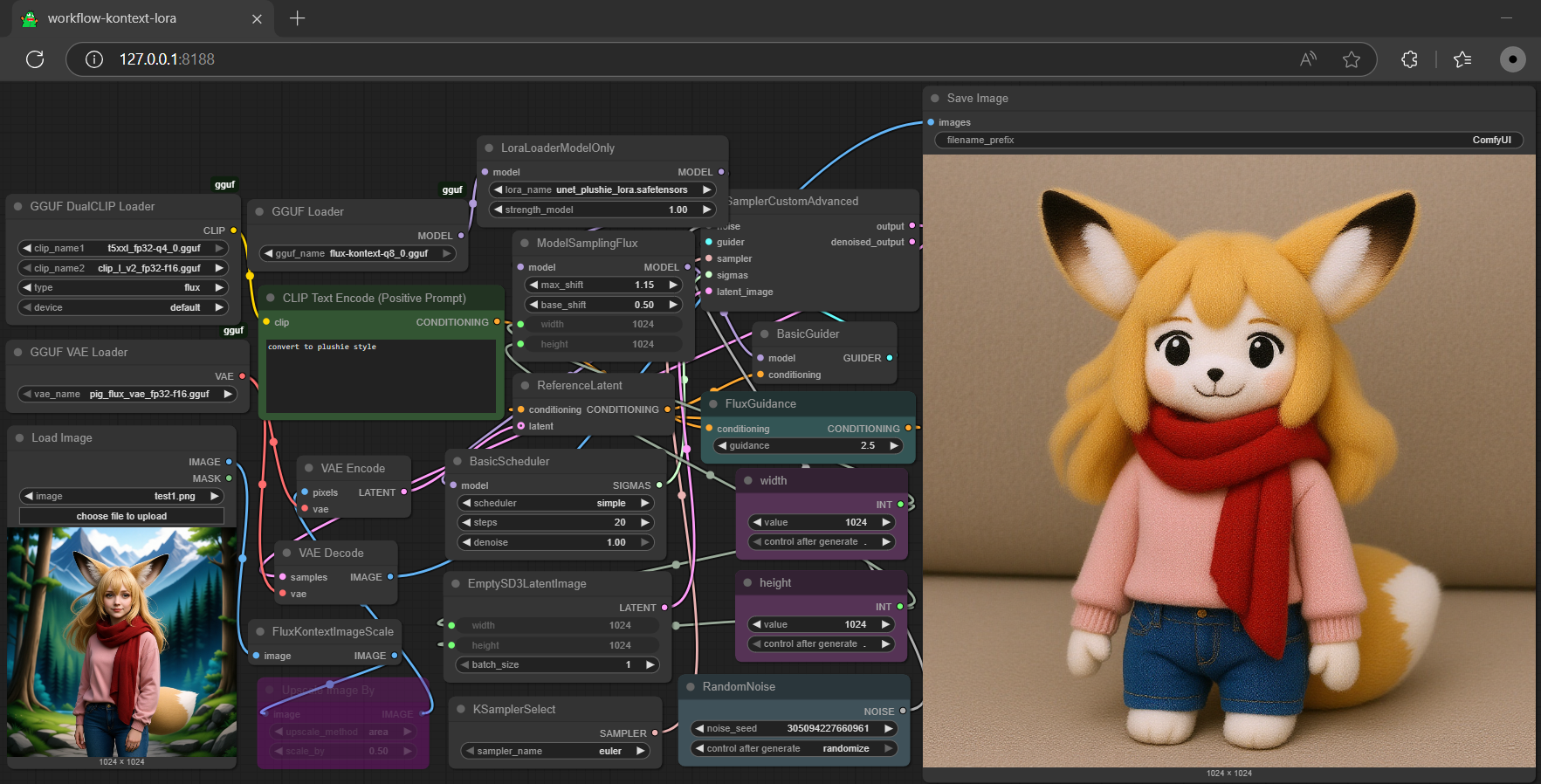
additional chapter for lora conversion via gguf-connector
- convert lora from base to unet format, i.e.,plushie, then it can be used in comfyui as well
ggc la
- able to swap the lora back (from unet to base; auto-detection logic applied), then it can be used for inference again
ggc la
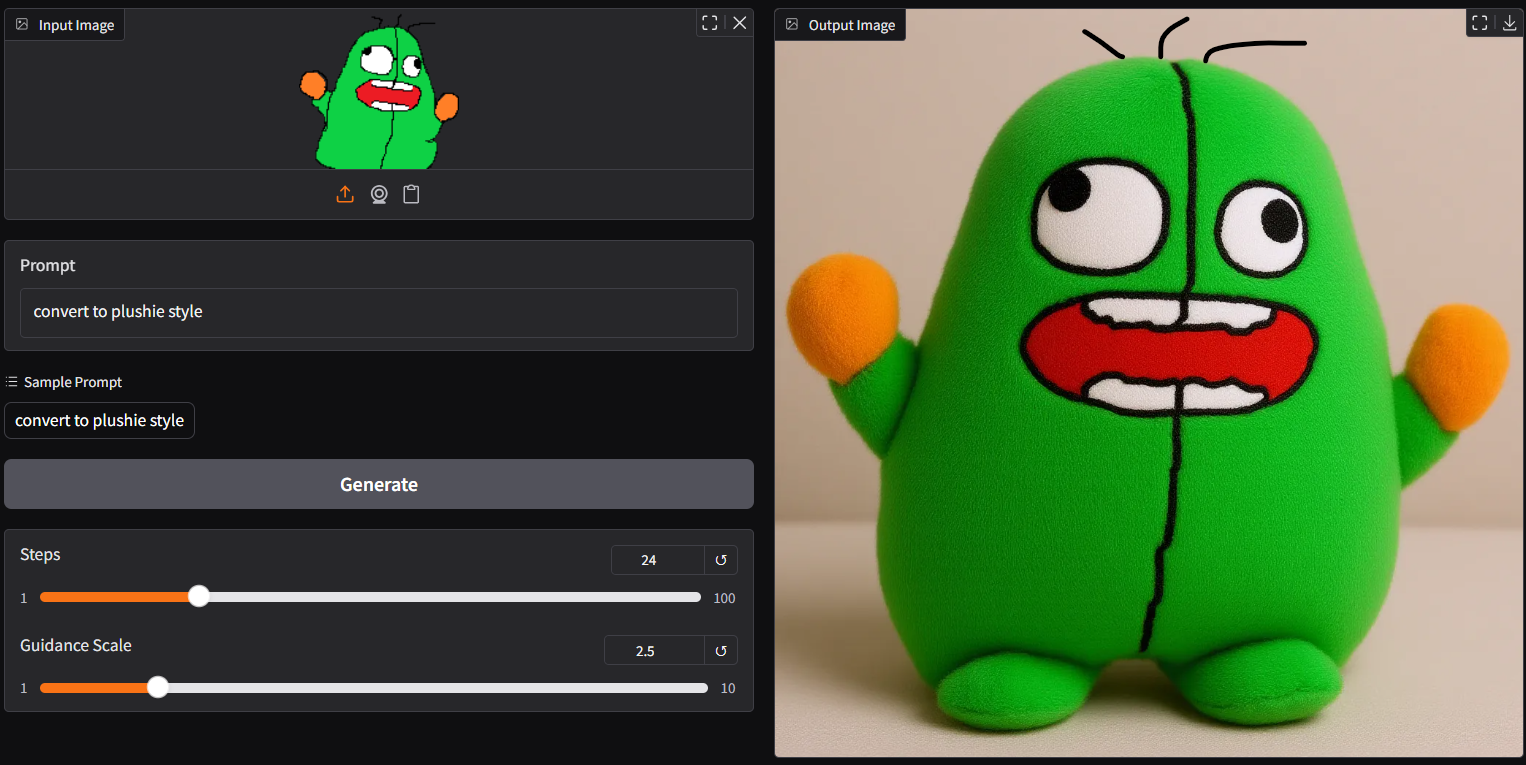
update
- clip-l-v2: missing tensor
text_projection.weightadded - kontext-v2:
s-quantandk-quant; except single and double blocks, all inf32status- pros: load faster (as no dequant needed for those tensors); and
- avoid key breaking issue, since some inference engines only dequant blocks;
- compatible for non-cuda machines, as most of them cannot run
bf16tensors
- cons: little bit larger in file size
- pros: load faster (as no dequant needed for those tensors); and
- kontext-v3:
i-quantattempt (upgrade your node to the latest version for full quant support) - kontext-v4:
t-quant; runnable (extramely fast); for speed test/experimental purposes
| rank | quant | s/it | loading speed |
|---|---|---|---|
| 1 | q2_k | 6.40±.7 | 🐖💨💨💨💨💨💨 |
| 2 | q4_0 | 8.58±.5 | 🐖🐖💨💨💨💨💨 |
| 3 | q4_1 | 9.12±.5 | 🐖🐖🐖💨💨💨💨 |
| 4 | q8_0 | 9.45±.3 | 🐖🐖🐖🐖💨💨💨 |
| 5 | q3_k | 9.50±.3 | 🐖🐖🐖🐖💨💨💨 |
| 6 | q5_0 | 10.48±.5 | 🐖🐖🐖🐖🐖💨💨 |
| 7 | iq4_nl | 10.55±.5 | 🐖🐖🐖🐖🐖💨💨 |
| 8 | q5_1 | 10.65±.5 | 🐖🐖🐖🐖🐖💨💨 |
| 9 | iq4_xs | 11.45±.7 | 🐖🐖🐖🐖🐖🐖💨 |
| 10 | iq3_s | 11.62±.9 | 🐢🐢🐢🐢🐢🐢💨 |
| 11 | iq3_xxs | 12.08±.9 | 🐢🐢🐢🐢🐢🐢🐢 |
not all included in the initial test (*tested with a beginner laptop gpu only, if you have highend model, might find q8_0 running surprisingly faster than others), the rest of them, test it yourself; btw, the interesting thing is: the loading time required was not aligning with file size, due to the complexity of each calculation (dequant), and might vary from models
new memory economy mode
- this option works for machine with low/no vram or even without gpu
ggc k3
🐷 Kontext Image Editor (connector mode) 🐷
- opt a
gguffile straight in the current directory to interact with
ggc k6
- semi-full quant supported in the k8 connector (use dequantor instead of diffusers)
ggc k8
reference
- base model from black-forest-labs
- comfyui from comfyanonymous
- gguf-node (pypi|repo|pack)
- gguf-connector (pypi)